

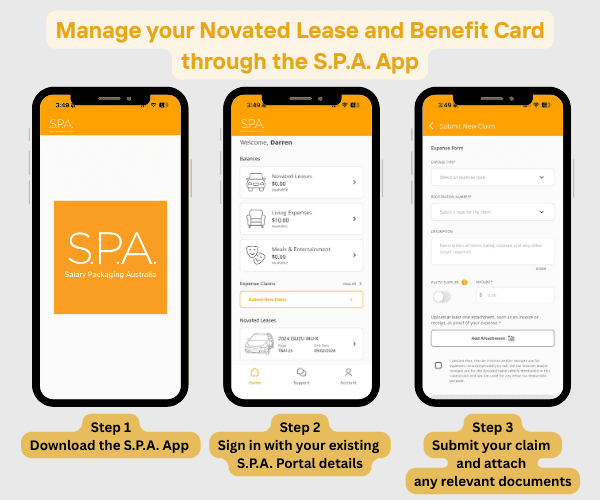
The S.P.A. Mobile App makes managing your salary packaging account easy! This app provides access to two of our products, Novated Leases and Benefit Cards, making it easy to manage your salary packaging in one place.
Introducing the S.P.A. Mobile App!
What can I use the S.P.A. Mobile App for?
Novated Leases
If you’re salary packaging a Novated Lease with S.P.A., the mobile app gives you a simpler way to stay on top of your lease without needing to log in from a desktop or chase up information. Everything is designed to be easy to access and understand, so you always have a clear view of your vehicle costs, contributions and overall position. It also makes everyday tasks like submitting expenses or checking details quicker and more convenient, helping you manage your lease with less effort and more confidence.
Benefit Cards
If you work for an eligible employer, the app makes it easy to stay in control of your spending and available balance wherever you are. Instead of relying on statements or separate systems, you can quickly check your funds, keep track of transactions and manage your card securely from your phone. It’s designed to give you more visibility and flexibility, so you can use your benefits with confidence, whether you’re making everyday purchases or managing your expenses on the go.
View the:
- S.P.A. card Product Disclosure Statement (PDS) here – Download
- S.P.A. card Target Market Determination (TMD) here – Download
- EML S.P.A. Financial Services Guide (FSG) here – Download


Manage Your Novated Lease in One Place
The S.P.A. Mobile App now gives you a smarter, more convenient way to manage your Novated Lease. It is designed to put everything at your fingertips, making it easy to stay on top of your vehicle, costs and contributions without the need for paperwork or multiple systems.
With a clear and easy-to-use dashboard, you can see exactly where your lease stands at any time. Your vehicle details, running costs, lease term and key dates are all available in one place and presented in a way that is simple to understand.
Managing your day-to-day expenses is just as straightforward. Whether it is fuel, servicing or tyres, you can submit claims quickly from your phone and follow their progress from submission through to payment. This removes the need to keep track of receipts or wonder where your claim is up to.
The app also gives you better visibility over how your Novated Lease is working for you. By clearly showing your pre-tax and post-tax contributions, you can understand your deductions and feel confident you are making the most of your salary packaging benefits.
When you need documentation, it is ready instantly. Your customer statements and important information are available on demand, so you are not left waiting or searching for what you need.
If you ever need help, support is built directly into the app. You can raise a case with S.P.A. and get assistance quickly and easily.
Manage Your Benefit Card with Ease
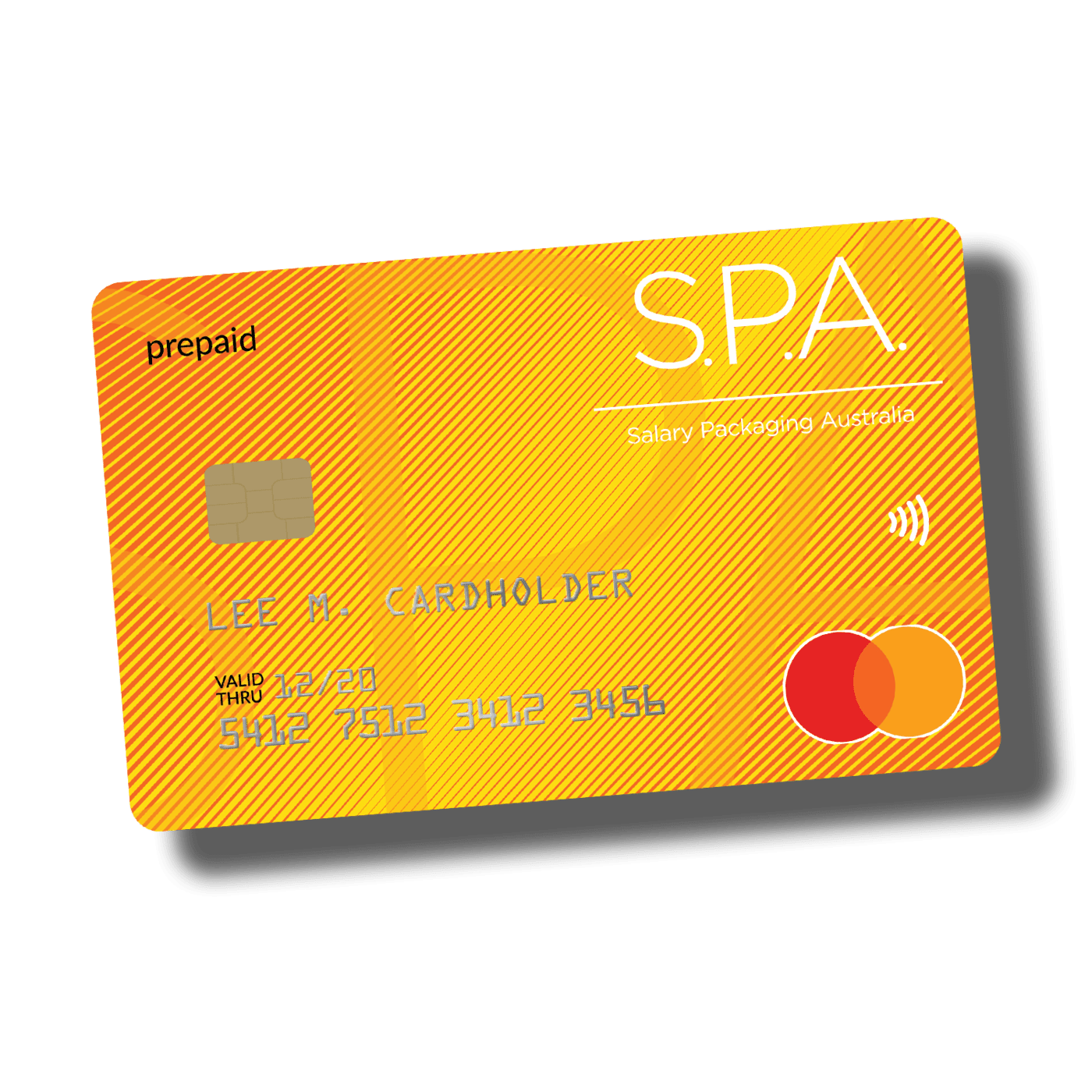
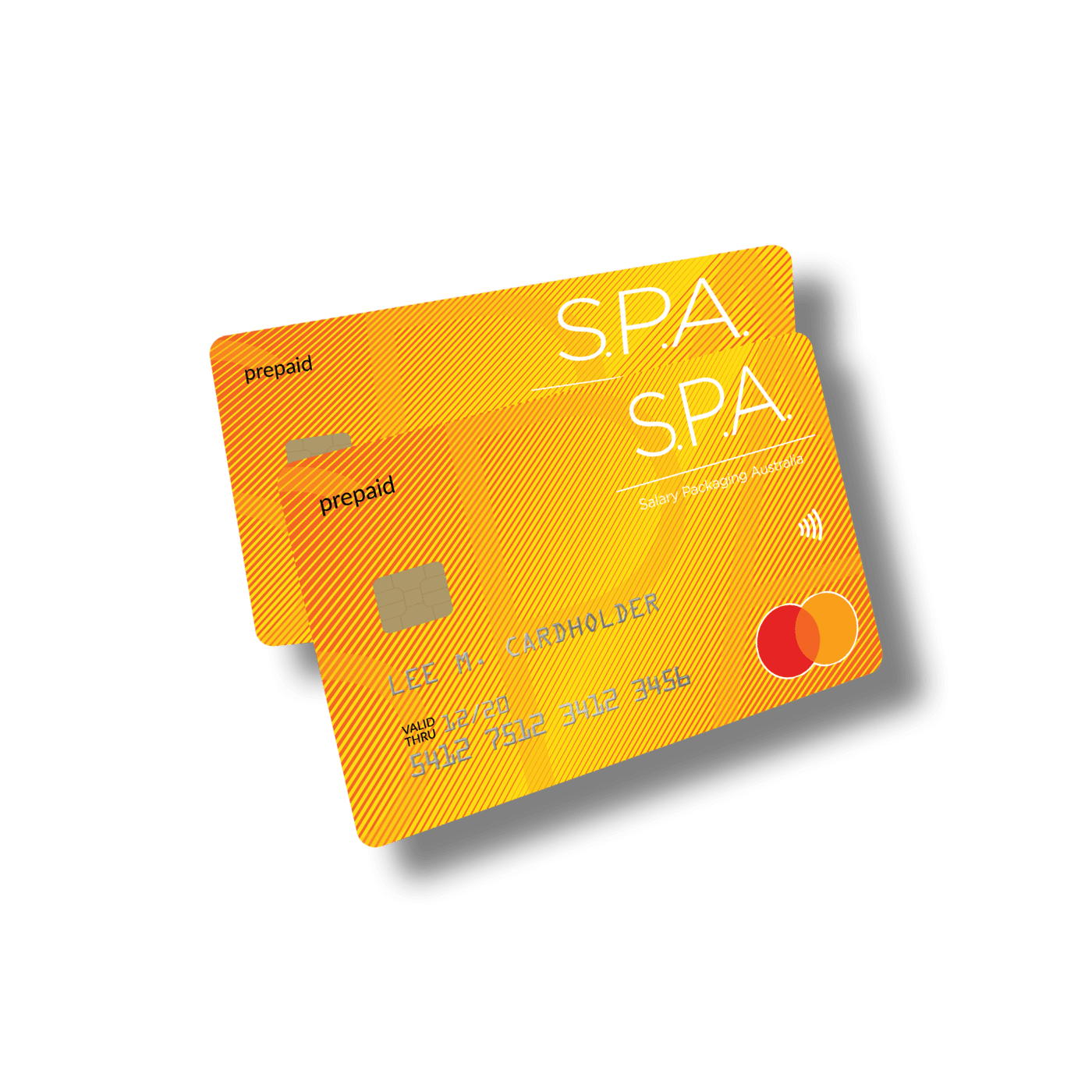
The S.P.A. Mobile App makes it simple to manage your S.P.A. Mastercard and get the most out of your salary packaging benefits. Designed for everyday convenience, the app gives you easy access to your Living Expenses and Meal and Entertainment benefits, all from one secure place.
Your S.P.A. Mastercard brings your eligible benefits together on a single card, so you can spend with confidence without needing to manage multiple accounts. Whether you are using your Living Expenses benefits or your Meal and Entertainment allowance, everything is streamlined into one easy-to-use experience.
Through the app, you can stay in control of your card and your spending at all times. It gives you clear visibility of your available balance and recent transactions, helping you understand exactly where your benefits are being used and how much you have remaining.
The app is also built for flexibility in how you pay. You can add your S.P.A. Mastercard to your preferred digital wallet, including Apple Pay and Google Pay, making everyday purchases fast, secure and convenient whether you are in-store or on the go.
Security and control are built in as well. You can safely access your card details when needed and manage key settings directly from your phone, giving you peace of mind and reducing the need to contact support for simple updates.
Overall, the S.P.A. Mobile App provides a more seamless way to use and manage your Benefit Card, giving you greater visibility, control and convenience in how you access your salary packaging benefits.
Living Expenses benefits – explained here
Meal and Entertainment benefits – explained here
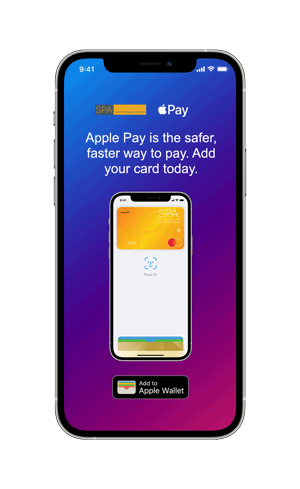
Step 01
In the S.P.A. Mobile App, tap add
to Apple Wallet.

Step 02
Follow the prompts.
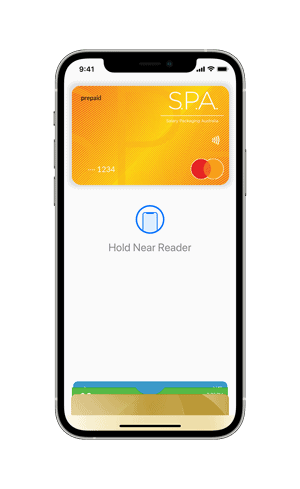
Step 03
Your card has now been added to the Apple
Wallet and you’re ready to Tap and Pay
easily and securely with Apple Pay.
The S.P.A. Mastercard is issued by EML Payment Solutions Limited ABN 30 131 436 532 AFSL 404131 pursuant to license by Mastercard Asia/Pacific Pte. Ltd. Mastercard, the Mastercard Symbol, the circles design and Tap & go are registered trademarks of Mastercard International Incorporated.
Apple, the Apple logo, Apple Pay, Face ID, iPhone, Mac, are trademarks of Apple Inc., registered in the U.S. and other countries.
*For a list of compatible Apple Pay devices, see https://support.apple.com/en-au/HT208531
Frequently asked questions
Where do I get the S.P.A. App?
Just search for S.P.A. in the Apple App store, or the Google Play store, or click your preferred store below:
How do I login to the S.P.A. App?
You can log in using your existing S.P.A. Online portal username and password. If you’re not sure of your details, you can reset your password directly within the app. For plastic Benefit Cards, click “activate”.
Can I update my details in the S.P.A. App?
Not at this stage. You can view your personal details within the app, but updates to your name, email address, or bank account details need to be made by contacting our customer care team directly.
Can I access useful information within the S.P.A. App?
Yes. The app gives you convenient access to a range of information and resources, including:
- Your vehicle details, running cost breakdown, and lease end date
- Pre-tax and post-tax contribution summaries
- Customer statements (available on demand)
- Useful forms and documents related to your novated lease